Google Drive
15 GBShared with Gmail and Google Photos.
Storsum adds up the free space of your Google Drive, Box, pCloud, Koofr and S3 accounts and lets you use it as one drive, encrypted, on the web, Windows, Linux and Android.
65 GBin one Storsum drive
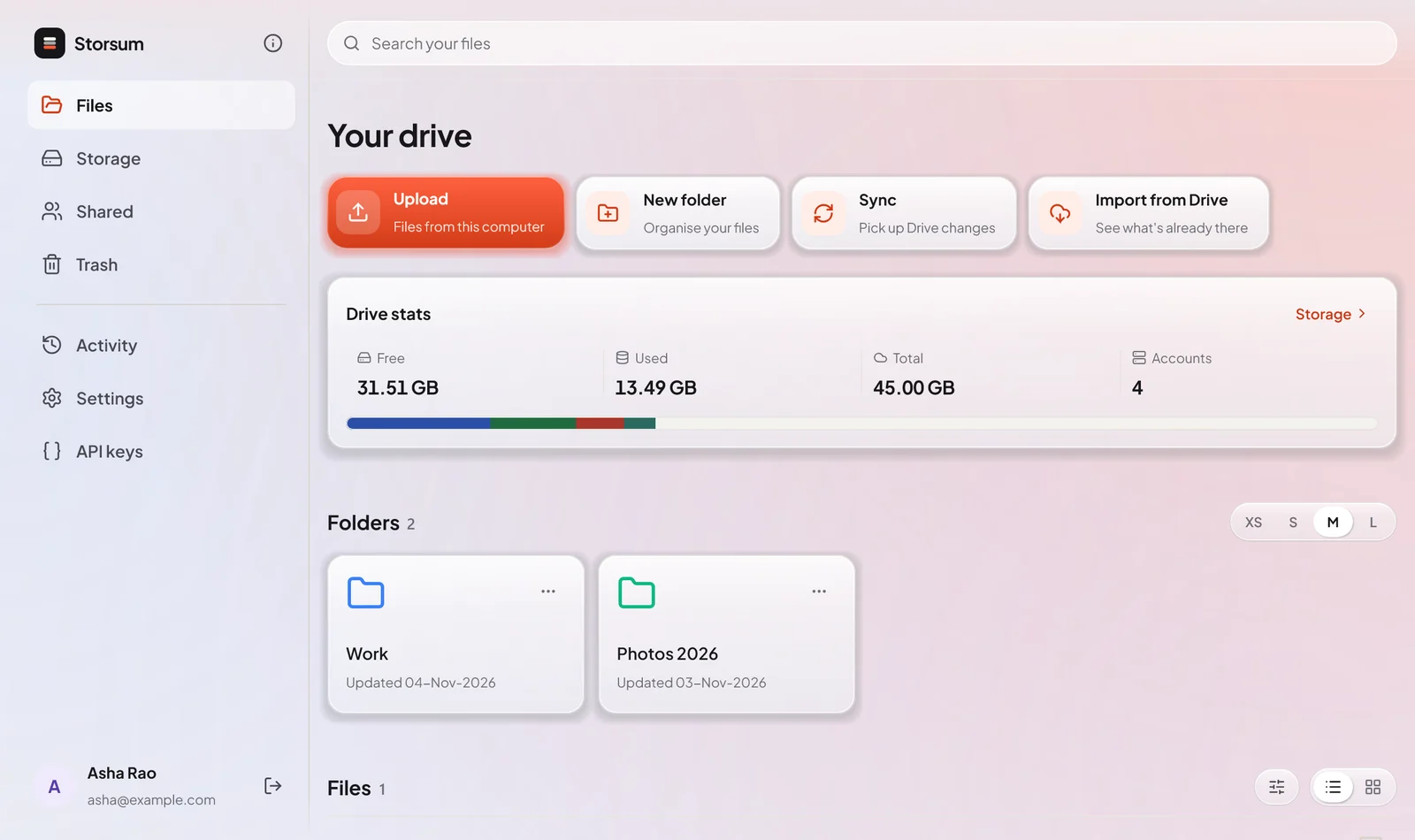
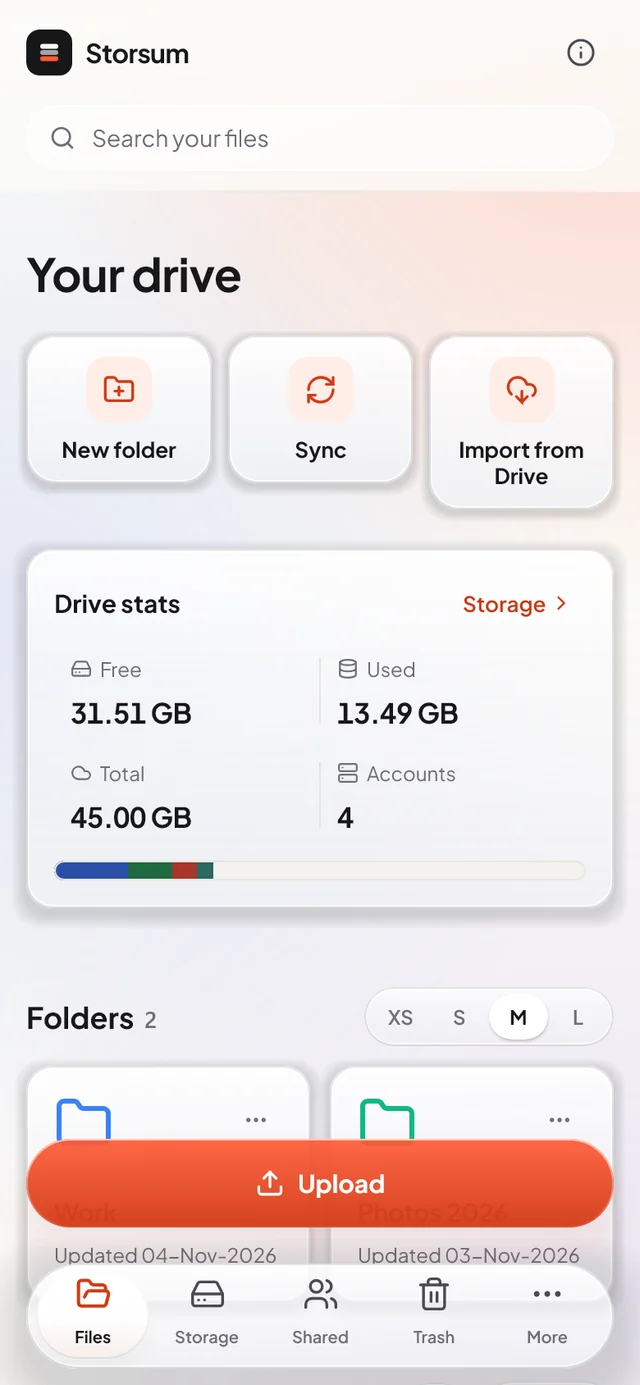
Three steps, and the second one is just uploading as you always have.
Sign in with Google, then add Box, pCloud, Koofr or any S3 bucket from Storage. Each one adds its free space to your drive.
Storsum sends each file to the account with the most room, encrypted on the way, and keeps your folders as you made them.
The same folders and files on the website, your phone and your computer. Search, share and move them as if they were in one place.
Connect the accounts you already have. Storsum shows how full each one is, puts every upload where it fits, and keeps the lot in one place.
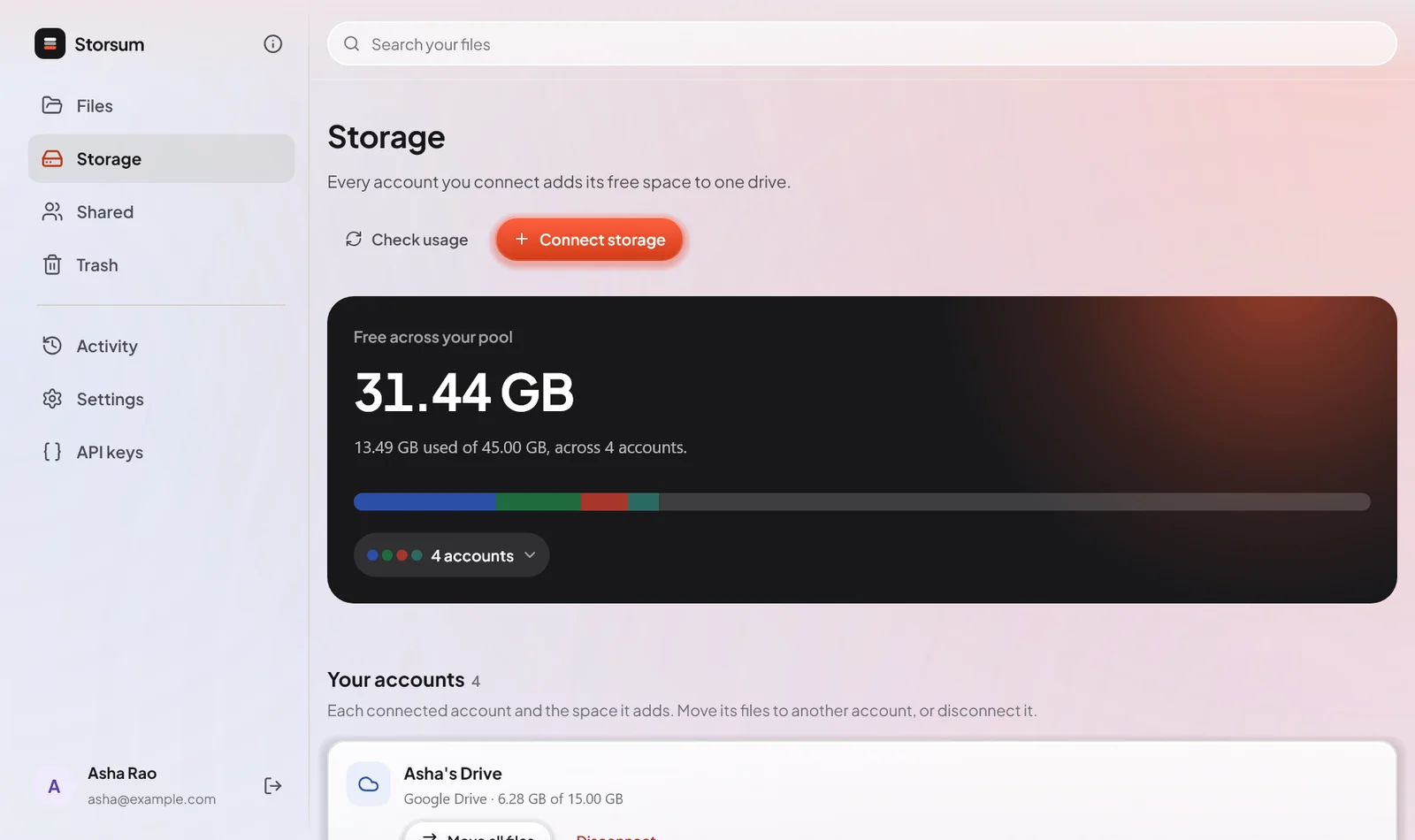
Each file lands on the account with the most free space, or on the one you pick. You never juggle quotas again.
Files are encrypted on the way to your provider unless you say otherwise, so Google or Box only ever hold scrambled data.
Import from Drive shows everything you already keep there, in its own folders, and Sync keeps it up to date.
Folders, search, filters and previews work across every account, as if it were one disk.
Send a link anyone can open, or invite another Storsum user to a file or a whole folder.
Running low on one account? Move its files to another without downloading anything.
Create, read, rename and delete files and folders with an API key you can limit to what a script needs.
Drop files onto the Files page on the website, or anywhere on the Windows and Linux app, to upload them.
Six providers with free plans, and any bucket that speaks S3. Connect as many accounts of each as you like.
Shared with Gmail and Google Photos.
Box’s free plan takes files up to 250 MB each.
US and EU accounts both work.
A European provider with a generous free plan.
No charge for downloads.
Simple object storage.
Amazon S3, MinIO, Wasabi and others.
Your storage accounts hold your files, but they don’t get to read them.
Storsum costs nothing to use today. The space comes from the free plans of your own accounts, so you can start with just a Google account and add more as you go.
In your own storage accounts: your Google Drive, Box, pCloud, Koofr or buckets. Storsum’s server streams each file to one of them and keeps only what it needs to find it again, such as its name, folder and which account holds it. File contents are never written to the server’s disk.
Not the ones you encrypt, which is every upload unless you choose otherwise. The provider gets a file named something like 3f2a….enc holding scrambled data; the real name stays with Storsum. Files you upload without encryption are stored as they are, so you can also open them in the provider’s own app.
New uploads go to an account that still has room. On the Storage page you can see how full each account is, move files from one account to another, or choose how uploads are spread: most room first, taking turns, or in an order you set.
No. You can sign up with an email and password and connect Box, pCloud, Koofr or any S3 bucket. Signing in with Google simply connects that Drive straight away.
Sign up in your browser, connect your accounts, and get the apps for your computer and phone.