Encryption you choose
Every upload asks whether to encrypt it. Encrypt or remove encryption later; the old copy goes only once the new one is stored.
One drive made from many accounts, with the things you’d expect from a drive and a few you wouldn’t.
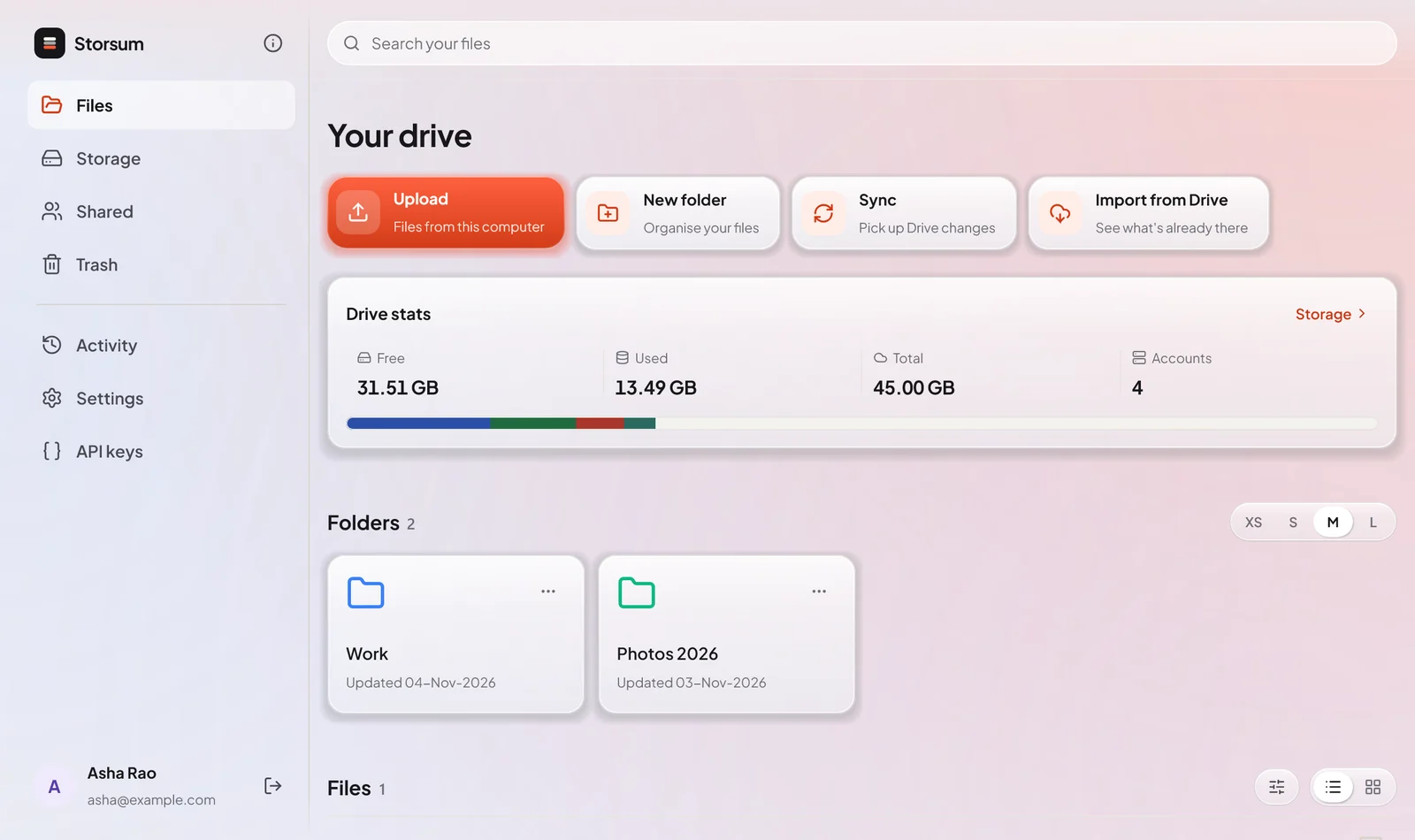
Your files and folders in one place, whichever account each file lives on.
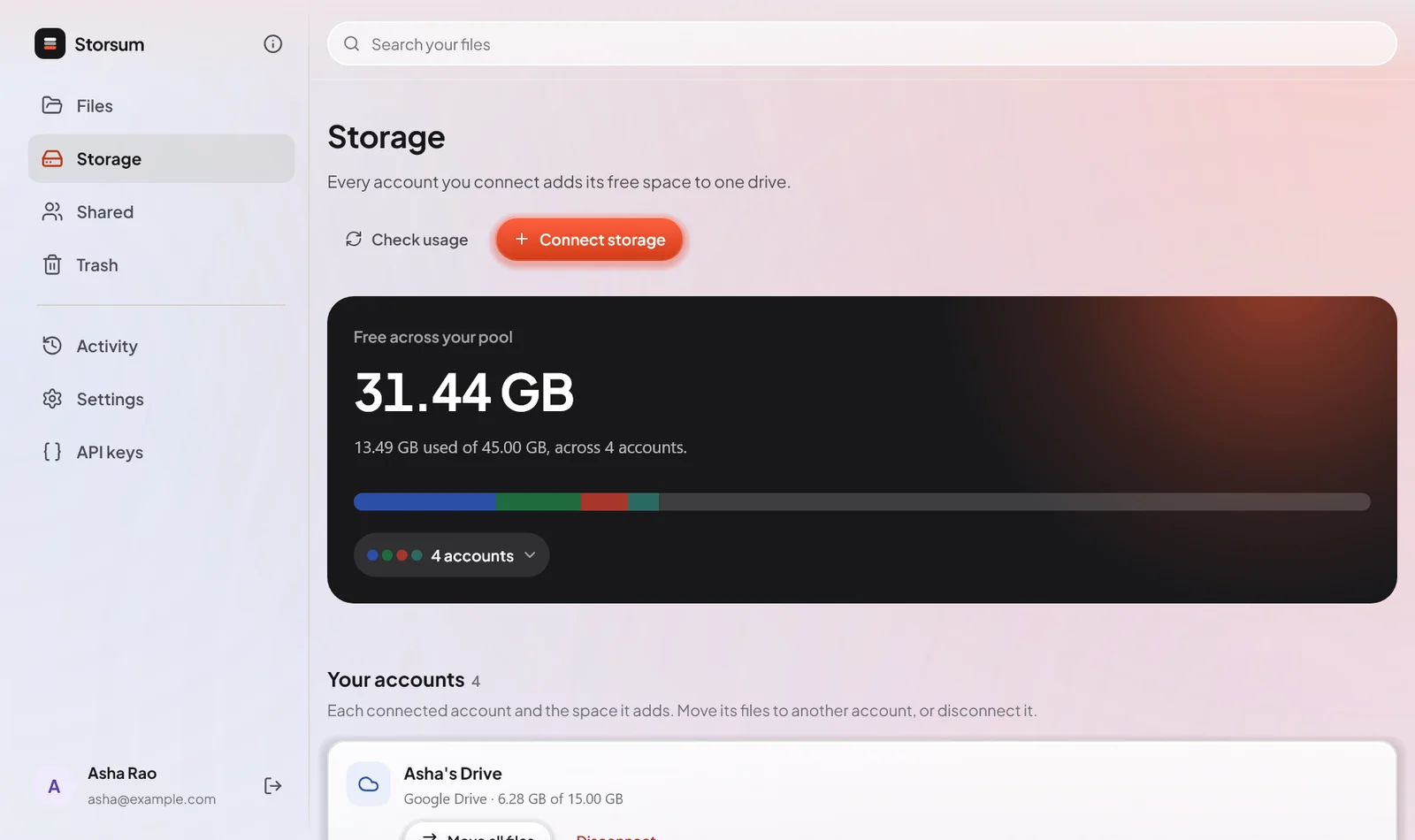
The Storage page shows your pool as one bar, each account in its own colour.
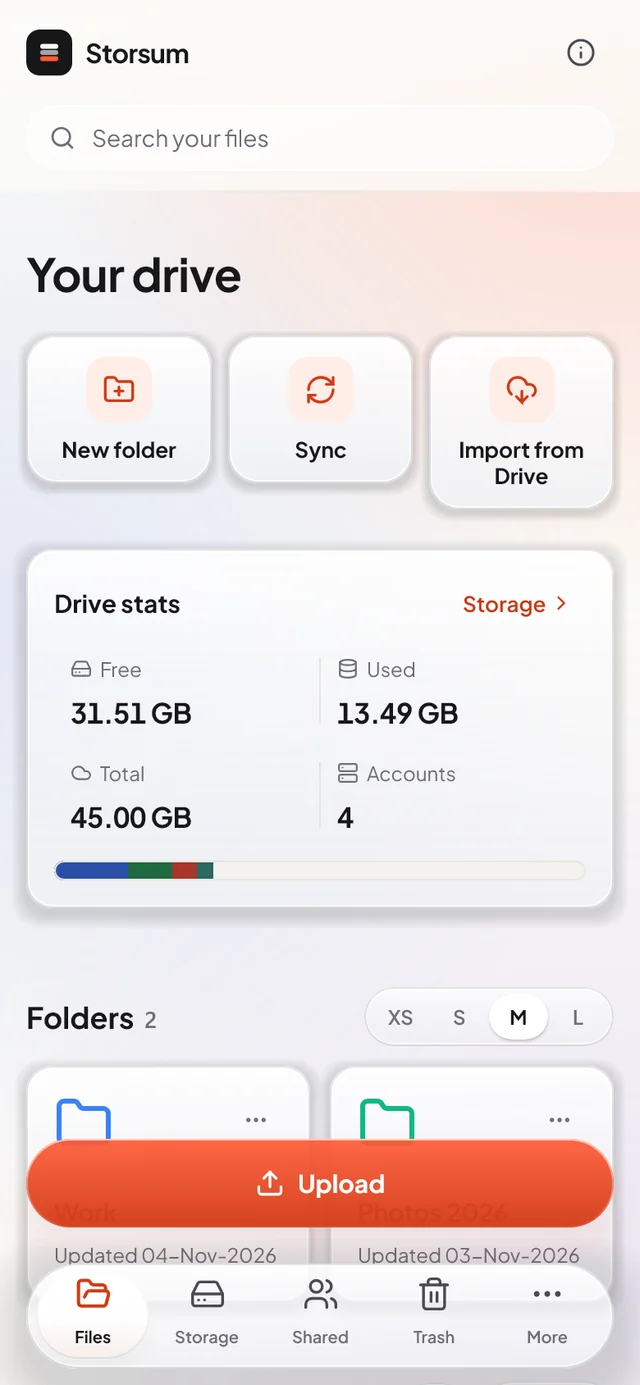
The Android app has everything the website has, made for one hand.
Every upload asks whether to encrypt it. Encrypt or remove encryption later; the old copy goes only once the new one is stored.
See everything already in your Google Drive, in Drive’s own folders. Sync keeps it in step.
Share a link anyone can open, or invite another Storsum user to a file or folder. Stop sharing whenever you like.
Deleted files wait in Trash until you restore them or delete them for good. Nothing leaves your provider before that.
Drop files on the website’s Files page or anywhere on the Windows and Linux app. They go into the folder you have open.
Upload, list, rename, move and delete with API keys limited to what each script needs. Read the docs
Sign up in your browser, connect your accounts, and get the apps for your computer and phone.